Quick Response (QR) codes have become a familiar sight. You see them on restaurant menus, event tickets, and product packaging. These pixelated squares offer a fast and easy way to connect the physical world with digital information. What started as a tool for tracking car parts has transformed into a powerful marketing and information-sharing device.
This post will explore everything you need to know about QR codes. We’ll cover what they are, how they work, and the different types you can use. Most importantly, we’ll introduce you to our free QR code generator and show you how to create custom QR codes for your business or personal needs. By the end, you’ll have the knowledge and tools to create QR codes that engage your audience and streamline information sharing.
Table of Contents
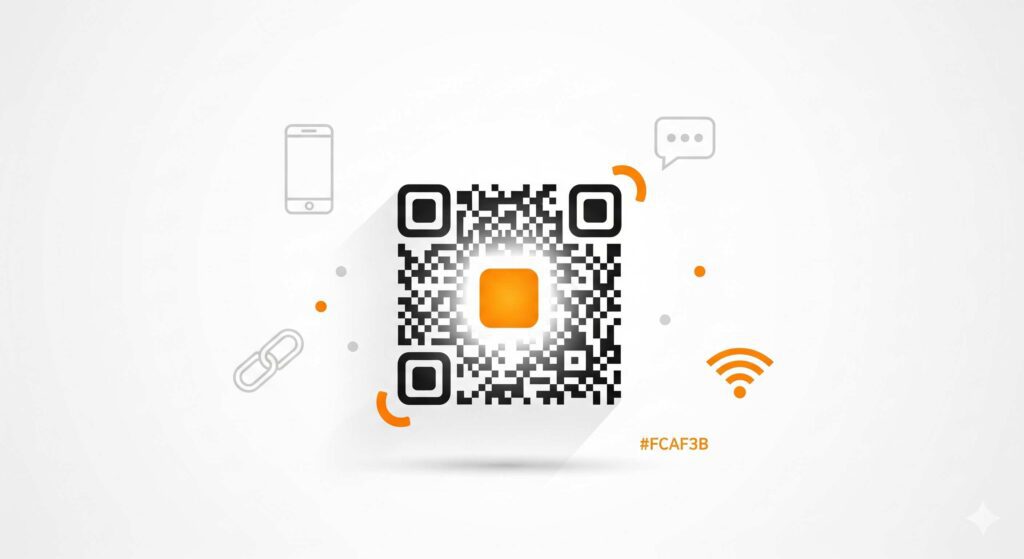
Understanding QR Codes
A QR code might look like a simple black and white pattern, but it’s a sophisticated piece of technology. Think of it as a two-dimensional barcode capable of storing a wide range of information. Let’s break down its key components to understand how it works.
The Anatomy of a QR Code
Every QR code is made up of several distinct elements, each with a specific job:
- Position Markers: These are the three large squares located in the corners of the QR code. They tell a scanner that it’s looking at a QR code and help it determine the correct orientation.
- Alignment Marker: A smaller square, usually found near the bottom-right corner, helps the scanner correct for any distortion if the QR code is on a curved surface or viewed at an angle.
- Timing Pattern: This L-shaped line of alternating black and white squares runs between the position markers. It helps the scanner determine the size of the data matrix.
- Data Modules: The rest of the small squares make up the actual data. Each module represents a bit of binary code (a one or a zero), which together form the stored information, such as a URL, text, or contact details.
- Error Correction: One of the most brilliant features of QR codes is their built-in error correction. This means that even if a part of the code is damaged or dirty, it can still be scanned successfully. The level of error correction can be adjusted, allowing up to 30% of the code to be unreadable while still functioning.
Static vs. Dynamic QR Codes
When you create a QR code, you’ll generally have two options: static or dynamic. Understanding the difference is crucial for choosing the right type for your needs.
- Static QR Codes: A static QR code embeds the data directly into its pattern. Once created, the information cannot be changed. For example, if you create a static QR code for a specific URL, you cannot update that URL later without generating a new code. These are best for information that won’t change, like your Wi-Fi password or a permanent website address.
- Dynamic QR Codes: A dynamic QR code is more flexible. It contains a short URL that redirects the user to the final destination. This means you can change the destination URL at any time without having to create a new QR code. For instance, you could use the same QR code on your marketing materials to link to a different promotion each month. Dynamic QR codes also offer the ability to track scan data, such as the number of scans, location, and time of day, providing valuable insights for marketing campaigns.
Introducing Our Free QR Code Generator
Now that you understand the basics, it’s time to start creating. Our free QR code generator is designed to be powerful yet simple, making it accessible for everyone from small business owners to tech-savvy individuals. We believe that creating QR codes shouldn’t be complicated or expensive.
Our tool offers a clean, user-friendly interface that guides you through the process effortlessly. You don’t need any technical skills to get started. Just choose the type of information you want to share, enter the data, and your QR code is ready.
Key benefits of our generator include:
- Completely Free: Create unlimited static QR codes without any cost.
- No Sign-Up Required: Generate codes instantly without creating an account.
- Customization Options: Personalize your QR codes with different colors and add your logo to match your brand.
- High-Resolution Downloads: Download your QR codes in high-quality formats suitable for both print and digital use.
How to Create QR Codes: A Step-by-Step Guide
Ready to make your first QR code? Follow these simple steps to generate a custom code in minutes.
Step 1: Input Your Data
First, decide what information you want your QR code to contain. Our generator supports a variety of data types:
- URL: Direct users to your website, a landing page, or a social media profile.
- Text: Display a simple text message.
- File: Link to a downloadable file, like a PDF menu or a price list.
- Contact Card (vCard): Allow users to instantly save your contact information to their phone.
- Wi-Fi: Share your network credentials so guests can connect with a single scan.
- Event: Provide details for an event, including date, time, and location.
Select the appropriate tab and enter your information into the field provided.
Step 2: Customize Your QR Code
Once your data is entered, it’s time to get creative. A standard black-and-white QR code works perfectly well, but a custom design can help it stand out and reinforce your brand identity.
- Colors: Change the foreground and background colors to match your brand’s palette. Ensure there is enough contrast between the two for the code to remain scannable.
- Logo: Upload your company logo to be placed in the center of the QR code. Our tool automatically handles the error correction to ensure the code remains functional.
- Size & Shape: Adjust the size and shape of the data modules for a unique look.
Step 3: Preview and Download
As you make changes, the preview on the right side of the screen will update in real-time. This allows you to see exactly what your QR code will look like. Once you are happy with the design, test it with your smartphone’s camera to ensure it works correctly.
Finally, select your desired file format (like PNG or SVG) and click the download button. Your high-resolution QR code is now ready to be used in your marketing materials, on your business cards, or anywhere else you need it.
Practical Use Cases for QR Codes
The versatility of QR codes makes them useful in countless scenarios. Here are a few ideas for both business and personal use.
For Businesses
- Marketing & Promotions: Add QR codes to flyers, posters, and print ads to direct customers to a special offer, a contest entry form, or a product page.
- Customer Engagement: Place QR codes on product packaging to link to tutorials, user manuals, or customer reviews.
- Contactless Menus & Ordering: Restaurants and cafes can use QR codes to provide customers with a digital menu, reducing physical contact and printing costs.
- Business Cards: A QR code on your business card can link to your portfolio, LinkedIn profile, or a vCard with all your contact details.
For Personal Use
- Share Wi-Fi Access: Create a QR code for your home Wi-Fi network so guests can connect without having to type in a long password.
- Event Invitations: Include a QR code on wedding or party invitations that links to an RSVP form, a map to the venue, or a gift registry.
- Share Contact Information: Quickly share your contact details with new acquaintances by having them scan a QR code on your phone’s lock screen.
- Organize Your Home: Use QR codes on storage boxes to link to a list of their contents.
Advanced Features for Marketers
For those looking to take their campaigns to the next level, our platform also offers dynamic QR codes with advanced tracking capabilities. This feature is perfect for marketing professionals who need to measure the effectiveness of their efforts.
With dynamic QR codes, you can:
- Track Scan Analytics: Monitor how many times your QR code is scanned, as well as the location, time, and device type used. This data helps you understand which campaigns are performing best.
- Update Content Anytime: Change the destination URL of your QR code whenever you need to. Run a new promotion or update a landing page without reprinting your materials.
- Integrate with Marketing Platforms: Connect your QR code campaigns with tools like Google Analytics to get a holistic view of your customer journey.
QR Codes and SEO
While QR codes themselves don’t directly impact your search engine rankings, they can support your SEO efforts in a few key ways.
- Drive Mobile Traffic: QR codes are scanned by mobile devices, which means they are an excellent tool for driving mobile traffic to your website. Since Google prioritizes mobile-friendliness, a seamless mobile experience can positively influence your rankings.
- Increase Local Engagement: For local businesses, QR codes can bridge the gap between offline and online engagement. A QR code on a shop window that links to a Google My Business page can encourage reviews, which is a strong local SEO signal.
- Build Backlinks: If you create a valuable resource (like a guide or tool) and share it via a QR code at an event or in a presentation, you increase the chances of other websites linking back to it.
Security and Privacy Best Practices
With the growing popularity of QR codes, it’s important to be aware of potential security risks. Malicious QR codes can lead to phishing sites or download malware. Here are some best practices for both creators and users:
- For Creators: Use a reputable QR code generator. Ensure that the links you create lead to secure (HTTPS) websites. If you use dynamic QR codes, regularly check that they haven’t been compromised.
- For Users: Be cautious about scanning QR codes from unknown sources. Before scanning, check if a sticker has been placed over the original QR code. Many modern smartphones will show you a preview of the URL before opening it, so make sure it looks legitimate.
Privacy Policy – Privacy & Terms – Google
Unlock the Power of QR Codes Today
QR codes have evolved from a niche industrial tool into a mainstream technology that offers immense value for businesses and individuals alike. They provide a simple and effective way to connect the physical and digital worlds, enhance marketing campaigns, and share information effortlessly.
With our free QR code generator, you have a powerful tool at your fingertips. You can create, customize, and deploy QR codes in minutes, without any technical expertise. Whether you’re looking to drive traffic to your website, simplify customer interactions, or just share your Wi-Fi password with friends, QR codes are the solution.
Ready to get started? Try our free QR code generator today and discover the endless possibilities.
“QR Code Generator QR Code Generator QR Code Generator QR Code Generator QR Code Generator QR Code Generator QR Code Generator QR Code Generator QR Code Generator QR Code Generator QR Code Generator QR Code Generator QR Code Generator QR Code Generator “