Managing large PDF documents can feel like trying to find a needle in a haystack. Whether you’re dealing with a 200-page manual or a comprehensive report, extracting specific sections shouldn’t require a computer science degree. That’s where our free online PDF splitter comes in—turning what used to be a tedious process into a simple, three-click solution.
Our online PDF splitting tool transforms unwieldy documents into organized, manageable files without requiring downloads, installations, or technical expertise. You can split PDF files by page ranges, extract individual pages, or create multiple smaller documents from one large file. The best part? Everything happens securely in your browser, keeping your documents private and your workflow seamless.
Table of Contents
How to Split a PDF: Step-by-Step Guide
Splitting PDFs doesn’t have to be complicated. Follow this straightforward process to split your PDF into multiple files:
1. Upload Your PDF Document
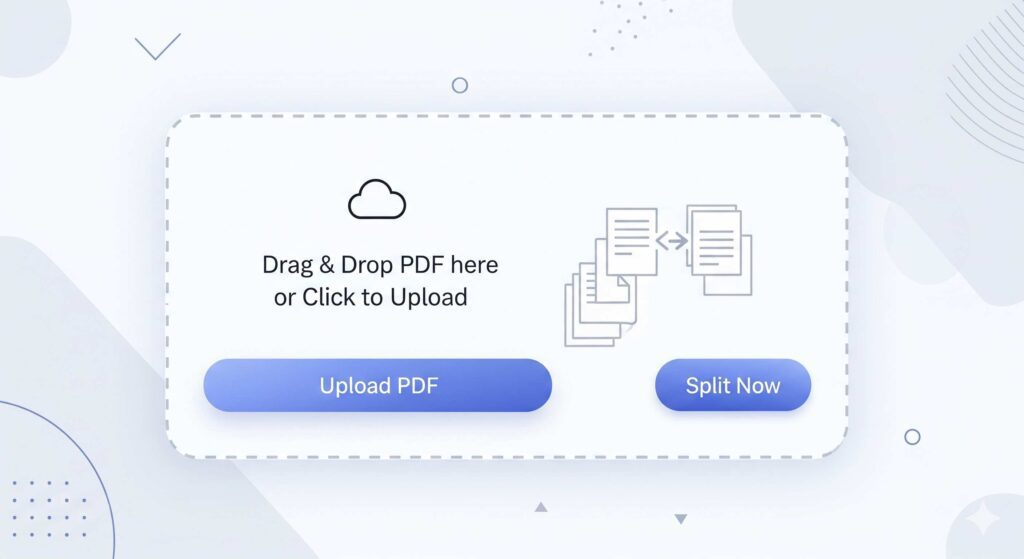
Navigate to our PDF splitter tool and click the “Choose File” button. You can upload files directly from your computer or drag and drop them into the designated area. The tool accepts PDF files up to 100MB, accommodating most business documents and personal files.
2. Choose Your Splitting Method
Select how you want to split your PDF:
- Split by page ranges: Define specific page ranges like 1-10, 15-25, 30-50
- Extract individual pages: Select particular pages you need as separate files
- Split into equal parts: Divide your document into equal sections automatically
- Split by bookmarks: Use existing PDF bookmarks as natural break points
3. Configure Your Settings
Specify your splitting preferences. You can name your output files, choose whether to merge certain ranges, and decide if you want to maintain the original formatting. The preview function lets you see exactly which pages will be included in each split file.
4. Process and Download
Click “Split PDF” to begin processing. The tool works quickly, typically completing splits within 30 seconds for most documents. Once finished, download your split files individually or as a compressed ZIP folder containing all your new PDFs.
Key Benefits of Using Our PDF Splitter
Lightning-Fast Processing
Our tool processes most PDF splits in under 30 seconds. Unlike desktop software that can bog down your computer, our cloud-based solution handles the heavy lifting on our servers, leaving your device free for other tasks.
Bank-Level Security
Your documents are automatically deleted from our servers within one hour of processing. We use SSL encryption for all file transfers, ensuring your sensitive information stays protected throughout the splitting process.
No Software Installation Required
Access the tool from any device with an internet connection. Whether you’re on a Windows PC, Mac, tablet, or smartphone, the PDF splitter works seamlessly in your browser without requiring downloads or installations.
Completely Free to Use
Split unlimited PDFs without hidden fees, subscription requirements, or watermarks on your output files. Our tool provides professional-grade functionality without the professional price tag.
Maintains Document Quality
The splitting process preserves your PDF’s original formatting, fonts, images, and layout. Your split files will look identical to the source document, ensuring professional presentation.
Real-World Use Cases for PDF Splitting
Educational Materials
Teachers often receive comprehensive textbooks or curriculum guides that span hundreds of pages. Split these large files into chapter-specific documents, making it easier for students to download and focus on relevant sections. For example, split a 300-page science textbook into individual chapters for each unit of study.
Business Documentation
Contract managers frequently work with multi-section agreements that need distribution to different departments. Split contracts to send relevant sections to legal, finance, and operations teams without sharing confidential information across departments.
Research and Academic Papers
Researchers dealing with lengthy reports can extract methodology sections, literature reviews, or specific chapters for focused analysis. This approach streamlines collaboration and makes it easier to share relevant findings with colleagues.
Legal Document Management
Law firms often handle case files containing multiple depositions, exhibits, and legal briefs combined into single PDFs. Splitting these documents allows for better organization and easier client communication by sharing only pertinent sections.
Marketing and Sales Materials
Marketing teams can split comprehensive product catalogs into category-specific brochures, making it easier to target specific customer segments with relevant product information.
Advanced Tips for Effective PDF Splitting
Organize Before You Split
Review your PDF’s structure before splitting. Look for natural break points like chapters, sections, or topic changes. This planning ensures your split files make logical sense and serve their intended purpose.
Use Descriptive File Names
When splitting PDFs, use clear, descriptive names for your output files. Instead of “Document_Part1.pdf,” use “Q3_Financial_Report_Revenue.pdf” to make files easily identifiable later.
Consider File Size Balance
Aim for reasonably sized split files. While you can create single-page PDFs, grouping related pages together often makes more sense for usability and organization.
Privacy Policy – Privacy & Terms – Google
Start Splitting Your PDFs Today
PDF splitting doesn’t have to be a complex process that requires expensive software or technical expertise. Our free online tool simplifies document management, helping you organize, share, and work with your PDFs more effectively.
Ready to transform your PDF workflow? Upload your document and experience how easy PDF splitting can be. Whether you need to extract a few pages or reorganize an entire document, our tool handles the technical details while you focus on your work.
“Split PDF Split PDF Split PDF Split PDF Split PDF Split PDF Split PDF Split PDF Split PDF Split PDF “